Account and safety
Login, MFA, security center, reporting, blocking
 TOMATONG
Help center
Find practical guidance for account safety, listings, messages, promotions, billing, notifications, and support.
Support center
Login, MFA, security center, reporting, blocking
Browsing, safe chat, inspection, notifications
Photos, pricing, moderation, trust badges
Boosts, sponsored placement, receipts, disputes
Searchable guidance
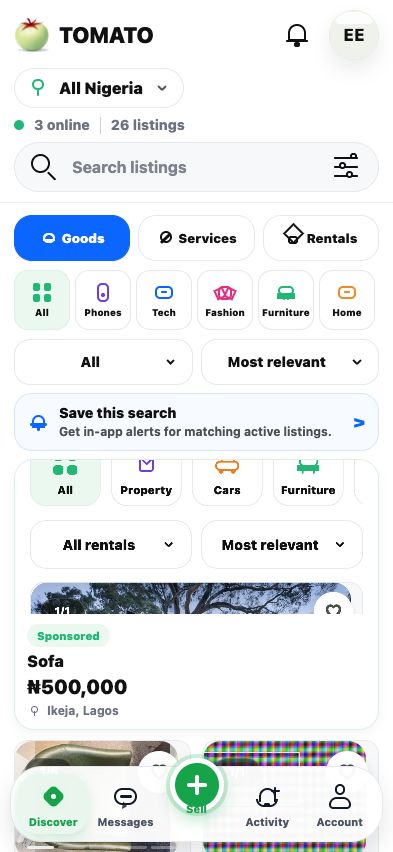
Use TOMATO's category, location, and saved-search flows to compare goods, services, and rentals before messaging.
Keep conversations in TOMATO, review profile signals, inspect before payment, and report suspicious behavior immediately.
Yes. Meet safely, verify the item or property, and keep a record of the agreed price and handover details.
Use clear photos, specific titles, fair pricing, fast replies, and promotion tools when a listing needs more reach.
Use original daylight photos, show important angles, avoid misleading edits, and include proof details when requested.
Badges reflect verification, responsiveness, policy history, and marketplace quality signals.
In-app messaging gives buyers and sellers a safer record, reporting tools, blocking, and enforcement context.
Yes. Blocking limits further contact and gives TOMATO a signal to review repeated misuse.
Report scams, harassment, prohibited items, misleading listings, impersonation, unsafe payment requests, and suspicious links.
Goods, services, vehicles, property, and rentals that comply with TOMATO policies and Nigerian law.
Listings can be reviewed for image quality, category accuracy, price anomalies, duplication, policy signals, or user reports.
Important edits may trigger another review so buyers see accurate, policy-compliant information.
A boosted listing receives additional placement opportunities in relevant discovery surfaces for a selected period.
Sponsored placements give eligible businesses prominent, clearly labeled visibility in relevant marketplace areas.
Charges are shown before confirmation, with receipts and campaign history in the Promotion Center.
Promotion charges are shown before confirmation, with receipts and campaign history available in the Promotion Center.
Receipts and billing events are available from account settings or business campaign history.
Contact support with the transaction reference, campaign name, and account email so the team can investigate.
Use a secure email account, enable MFA where available, review active sessions, and keep recovery details up to date.
The security center helps manage verification, MFA, sessions, recovery methods, and account-risk alerts.
Change passwords on connected email accounts, end unfamiliar sessions, enable MFA, and contact TOMATO support.
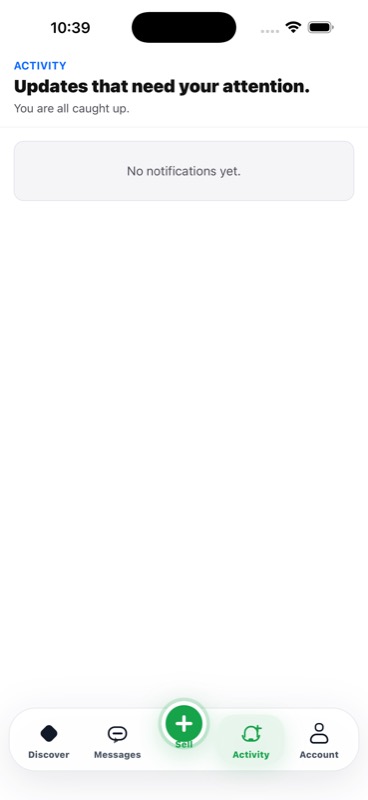
You can manage listing, messaging, promotion, saved-search, billing, and safety notifications from account settings.
TOMATO may send alerts for policy actions, suspicious activity, account changes, or marketplace safety updates.
Business accounts can route campaign, listing, and message notifications to the right operators.
Get the app
Open TOMATO to manage listings, messages, saved searches, safety alerts, and promotions.